
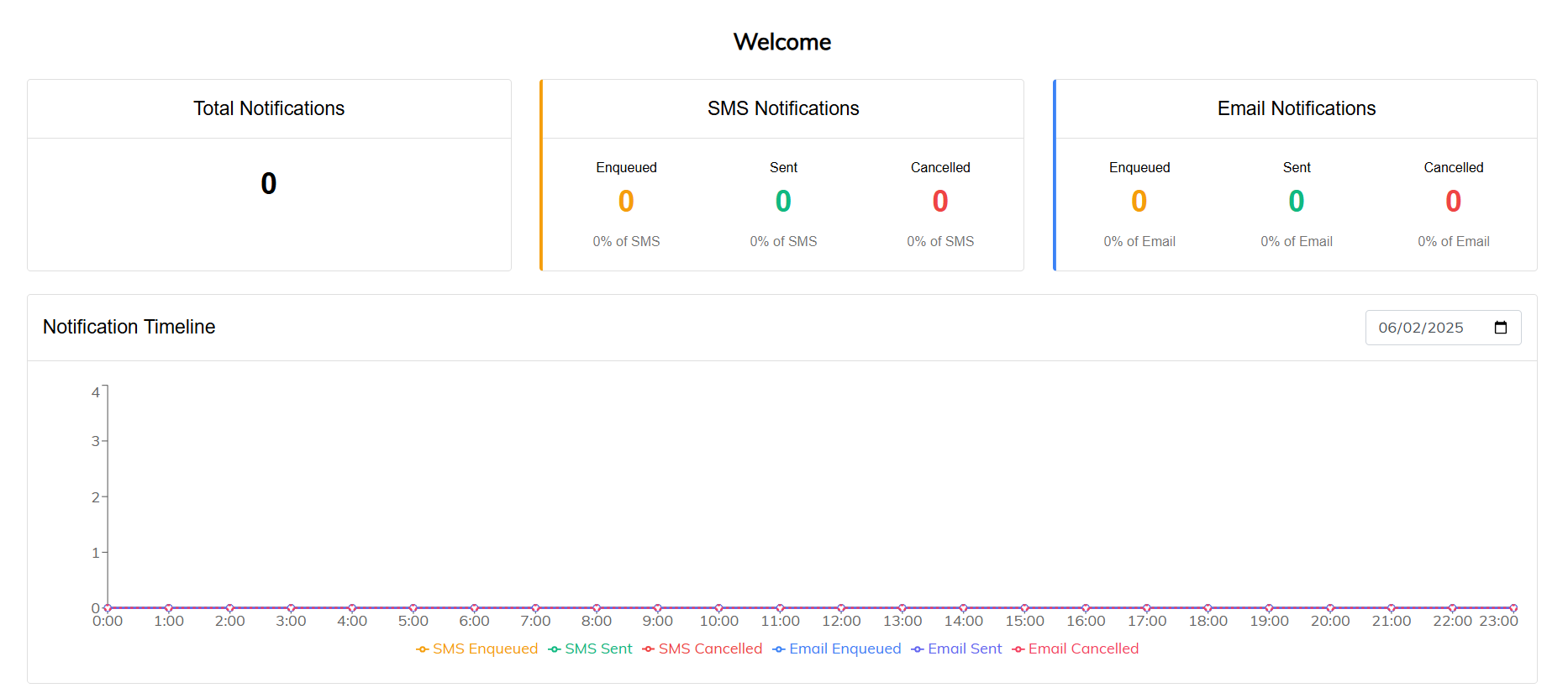
The Admin Home page provides an in-depth look at the system’s notification activity. It serves as a dashboard that summarizes the status of email and SMS notifications within the platform.
Key Features:
- Notification Summary:
- Displays the total number of notifications that have been:
- Enqueued: Scheduled and waiting to be sent
- Sent: Successfully delivered to recipients
- Cancelled: Removed from the sending queue or failed to send
- Activity Timeline:
- A visual timeline shows when each notification was enqueued, sent, or cancelled. This helps administrators track notification flow and monitor system activity over time.
This page offers at-a-glance insight into communication performance and is useful for troubleshooting, auditing, and ensuring that critical messages are being processed as expected.
Comments
0 comments
Please sign in to leave a comment.