
Login – Admin Portal User Manual
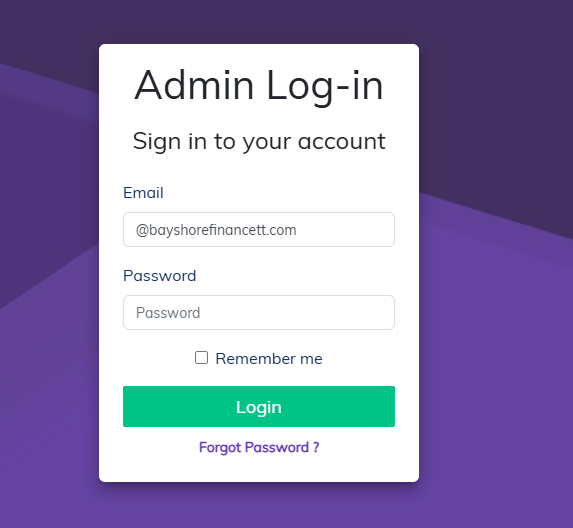
To access the Admin Portal and LMS Application:
- A Manager must first create your account in the Admin Portal.
- You will be assigned specific permissions based on your role or department.
- You will receive a password from your Manager which you will use along with your email.
- Use these credentials to log in to both the Admin Portal and the LMS Application.
🔐 If you forget your password or experience issues logging in, contact your Manager or system administrator.
Comments
0 comments
Please sign in to leave a comment.